

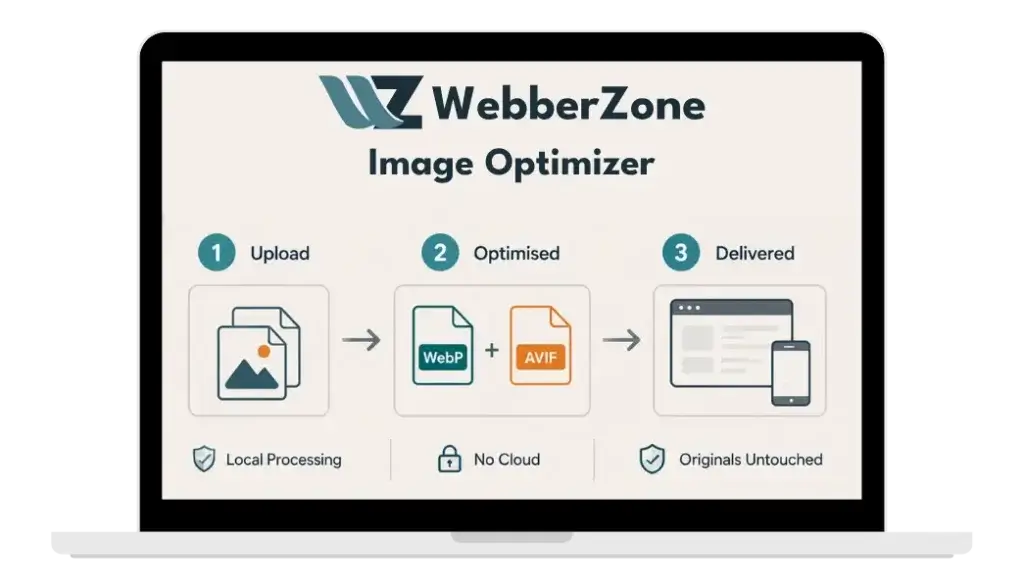
Features Overview
Modern image formats, generated and served entirely from your own server.
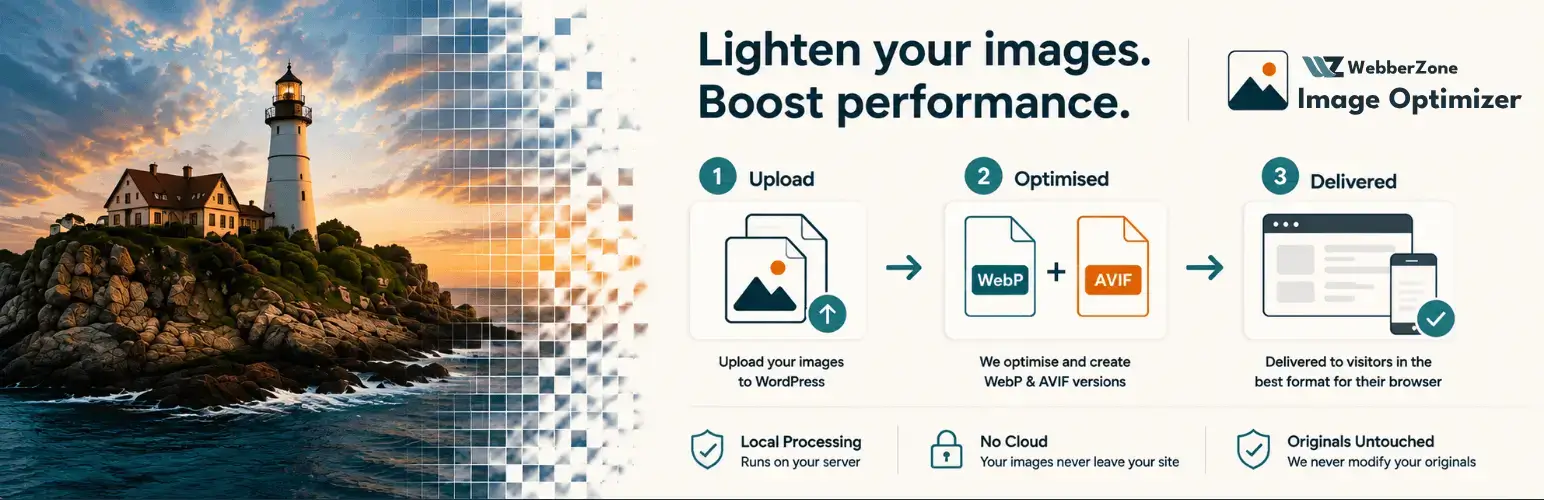
Modern formats, generated locally
WebP and AVIF, generated together or separately
Server requirements for WebP and AVIF, verified by actual encoding
No account, no API key and no upload limits
Delivery that survives caching
Images wrapped in a picture element, so the browser chooses. How cache-safe image delivery works
Available optimized srcset candidates retain their descriptors, with the original image as fallback
Generated Apache and nginx rules for CSS backgrounds
Bulk conversion that finishes
A resumable queue that survives closing the tab. Bulk optimize your media library
New uploads converted automatically
Front-end misses queued, never encoded during a page render
Additional Features and Benefits
And there’s more to WebberZone Image Optimizer…
Originals unchanged by default
By default, optimized copies are written alongside your originals. Optional JPEG and PNG compression and resizing modify originals only after creating verified backups. Both options are off by default. Use Restore originals to reverse compression and resizing. Deactivating stops optimized delivery but does not restore compressed or resized originals.
Quality control
Per-format quality, encoder effort and lossless mode for PNG sources. A copy that is not smaller than its source is discarded.
Privacy friendly
Everything runs on your own server. No tracking, no external requests, and no data collection.
Media library insight
See the savings for every image, and optimize or remove copies from the Media library. Switching plugins? Reuse existing WebP and AVIF files when migrating from another image optimizer.
Multisite compatible
Per-site queues and settings, with tables created automatically for new sites.
Developer friendly
WP-CLI commands and filters throughout let developers script conversion and customize behavior.